

 Get OpenRang for Chrome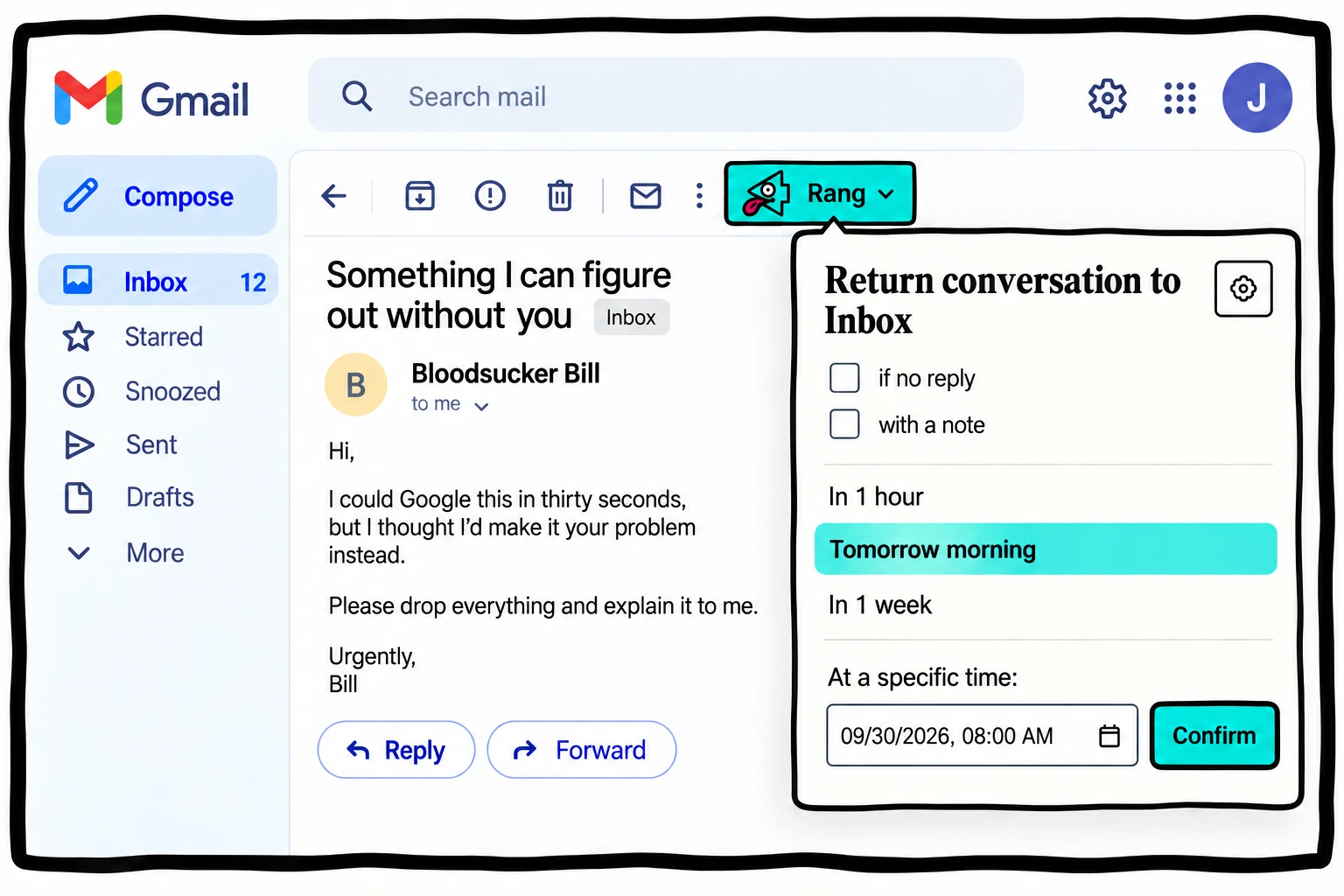
The native option is a real option
Google’s Snooze instructions explain how to defer a message and find it again under Snoozed. If your requirement is simply “put this back in front of me next week,” begin there.
The decision changes when future-you needs context. An email might contain twenty messages, three changed assumptions, and one decision you have not made yet. The thing you want to preserve is often your next action, not just the conversation.
Compare what returns with the message
| Question | Gmail Snooze | OpenRang |
|---|---|---|
| Can I defer a conversation? | Yes, with Gmail’s native Snooze. | Yes, by choosing a Rang time. |
| What context can I add in this workflow? | Use separate notes or tasks if you need more context. | Add an optional private note to the reminder. |
| Where does deferred mail live? | Gmail provides a Snoozed view. | Original mail remains in All Mail while the Rang schedule is in the Chrome profile. |
| What availability should I expect? | Managed by Gmail’s own feature. | Chrome must be running and online; there is no current hosted scheduler. |
Write a note worth returning to
“Deal with this” transfers the problem to Friday. A useful note preserves the next action:
- “Compare Bill’s installation charge with the original estimate.”
- “Attach the signed version before replying.”
- “Check whether Doris approved option B.”
- “Review after the budget meeting.”
These are notes for you to act on. OpenRang does not perform those actions automatically.
Choose one owner for each deferral
Avoid scheduling the same conversation in multiple reminder systems unless you deliberately want duplicate prompts. Keep the revisit point in the tool you will check. If the work belongs in a project system, use an email-linked task instead.
Before removing OpenRang, cancel and restore pending snoozed Rangs. Removing its local schedule does not delete the original mail, but it removes the extension’s ability to bring that mail back on schedule. See the data and removal details.
If the conversation is waiting on somebody else, use the waiting-for workflow rather than treating snooze as proof the issue is handled.